
TikTok Repost vs Share: Which Action Did You Take?
Quick answer
Repost is an in-platform action associated with distributing another creator’s post. Share sends a link or post to a destination you choose. A public repost viewer can only inspect repost information that is exposed publicly; it cannot tell who received a private share.
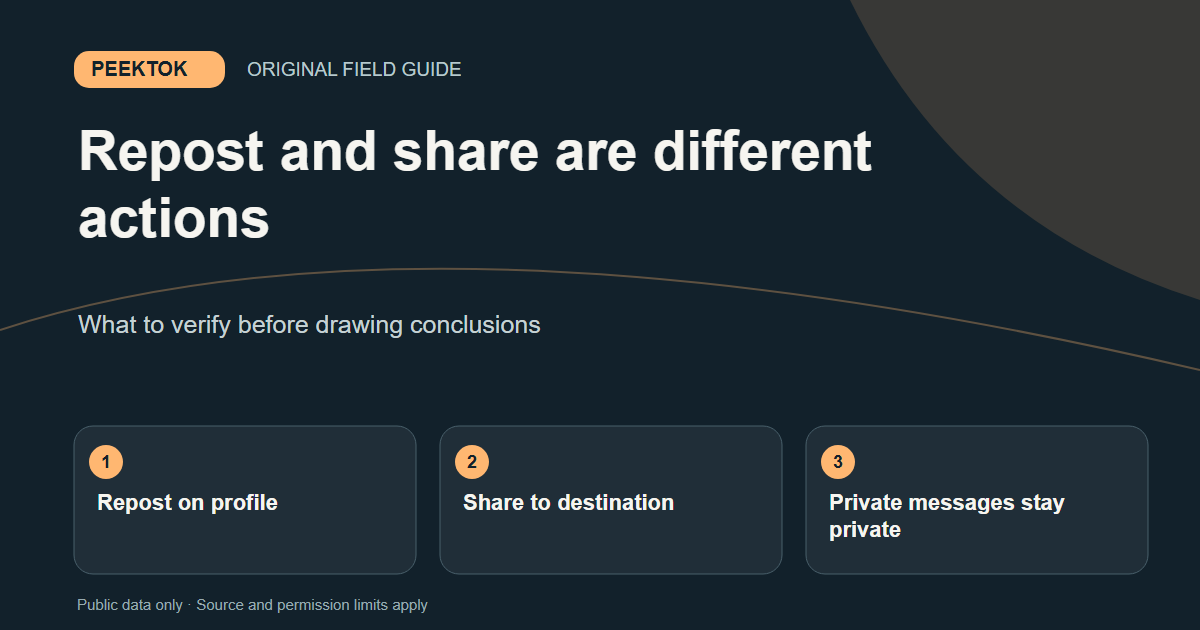
Repost is an in-platform action associated with distributing another creator’s post. Share sends a link or post to a destination you choose. A public repost viewer can only inspect repost information that is exposed publicly; it cannot tell who received a private share.
What to check first
- Find the post and check which action you actually selected.
- For a repost, review the public account and any available Reposts section.
- For a shared link, check the destination where you sent it, not a public repost lookup.
What a repost does
TikTok describes repost as a way to redistribute another person’s video within its app. The repost can be associated with the reposter and, when exposed, appear in a Reposts area on the profile. It is not an upload of a new original video, and it does not transfer ownership of the original post. Availability and audience still depend on TikTok and the original creator’s settings.
If you tapped Repost by mistake, TikTok’s help instructions describe how to remove the repost from the original video. Removing that action does not promise the video was unseen: someone may already have encountered it. Do not confuse removing a repost with deleting the original creator’s post; only its creator controls the original.
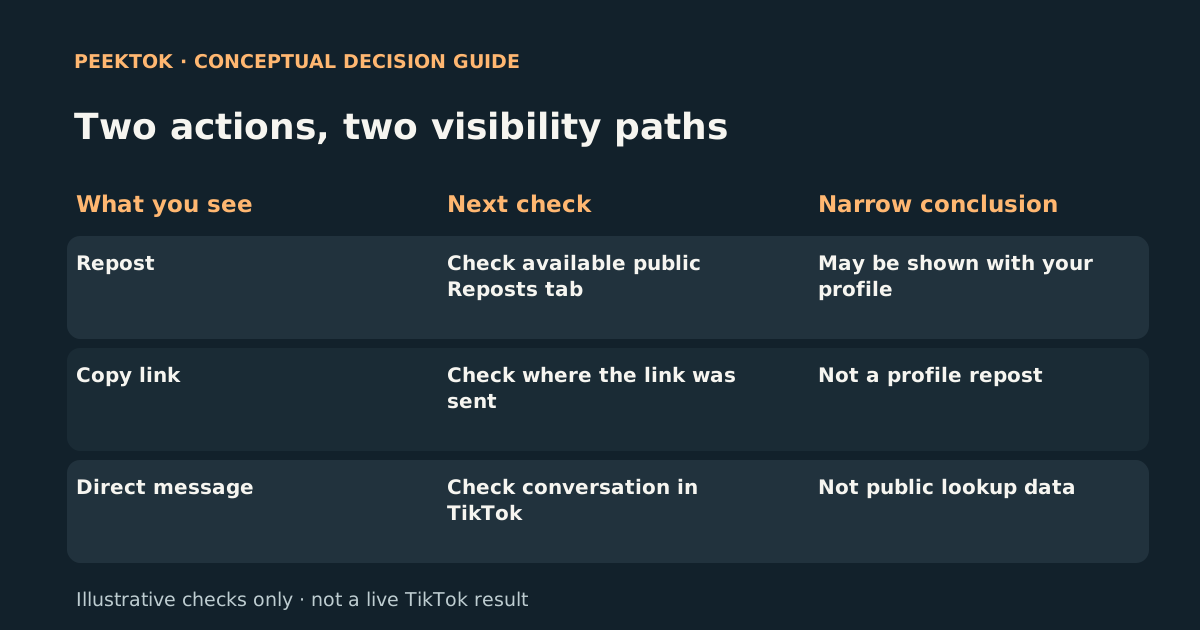
- Repost
- Check: Check available public Reposts tab
- Conclusion: May be shown with your profile
- Copy link
- Check: Check where the link was sent
- Conclusion: Not a profile repost
- Direct message
- Check: Check conversation in TikTok
- Conclusion: Not public lookup data
What sharing a link does
Sharing usually means choosing a destination for a post: copying its URL, sending it in a message, or opening another app’s share sheet. The recipient receives a link or content through that destination. Copying a link by itself does not publish a repost to your public profile. If you sent it privately, the fact that you sent it is not public repost information.
A URL may include extra query parameters added when a link is copied or shared. Those parameters can affect how a link opens, but stripping unnecessary parameters does not change the original post’s audience. If the post requires permission, a cleaner URL cannot make it public.
Which action can another person see?
A repost may be observable when the account and repost are made available to the viewer. A private message or copied URL does not turn into a public list on the sender’s profile. This is why a repost lookup cannot reveal everyone to whom a person shared a post, or prove that they never sent it. TikTok also has separate in-app viewing features; they are not equivalent to a repost list.
Check the original post if you need to verify that a link still works. If it was removed, made private, or limited by region or login requirements, both a previously shared link and a previously visible repost may stop opening for a signed-out visitor.
A short decision checklist
Ask what you need to establish. To confirm whether you reposted something, inspect your own TikTok activity and the original post’s Repost controls. To investigate another public account, start at the correct @username and treat any exposed repost result as a snapshot. To know whether a specific link was sent, check the conversation or destination where you sent it; a public viewer has no access to private messages.
Never enter your account password into an unrelated site because it claims to show hidden reposts or private shares. A responsible public tool should explain uncertainty and stop at account or post permissions.
How Peektok fits
Peektok accepts a public handle for a repost lookup. When its source returns items, compare the handle and the linked original posts before drawing conclusions. When the result is empty, say only that no public result was returned at that moment. The service does not independently know whether the person shared a video through a message.
For a missing tab or an empty result, use the separate missing-reposts troubleshooting guide. For a post link that does not open, use the link troubleshooting guide instead. The right guide depends on the action you are testing.
Need a wider explanation? Read the viewer troubleshooting guide or return to the guide directory. For this task, open the relevant Peektok tool.
Sources and verification
We use primary or first-party documentation for platform behavior and device-specific steps. The update date records content changes, not a new check of every linked source. Illustrations and test examples carry their own dates where stated.
- Repost (opens in a new tab)
TikTok Help Center
First-party instructions for reposting and removing a repost.
- Making your account public or private (opens in a new tab)
TikTok Help Center
First-party explanation of profile and post audience settings.
Try it now
TikTok Repost Viewer
No TikTok login required. Public reposts only.
Related articles
Why Can't I See Someone's TikTok Reposts?
Diagnose a missing Reposts tab or empty public lookup without confusing unavailable reposts with proof that none exist.
How to See Someone's Reposts on TikTok
Learn how to see someone's reposts on TikTok, why the Reposts tab may be missing, and how to check public reposts without an account.
What Is a TikTok Viewer? Uses, Tool Types and Public-Access Limits
Choose between TikTok profile, video and repost viewers. Compare supported inputs, public results and privacy limits before starting a lookup.