
PUBLIC CONTENT · FREE · NO TIKTOK LOGIN
TikTok Viewer for Public Profiles & Videos
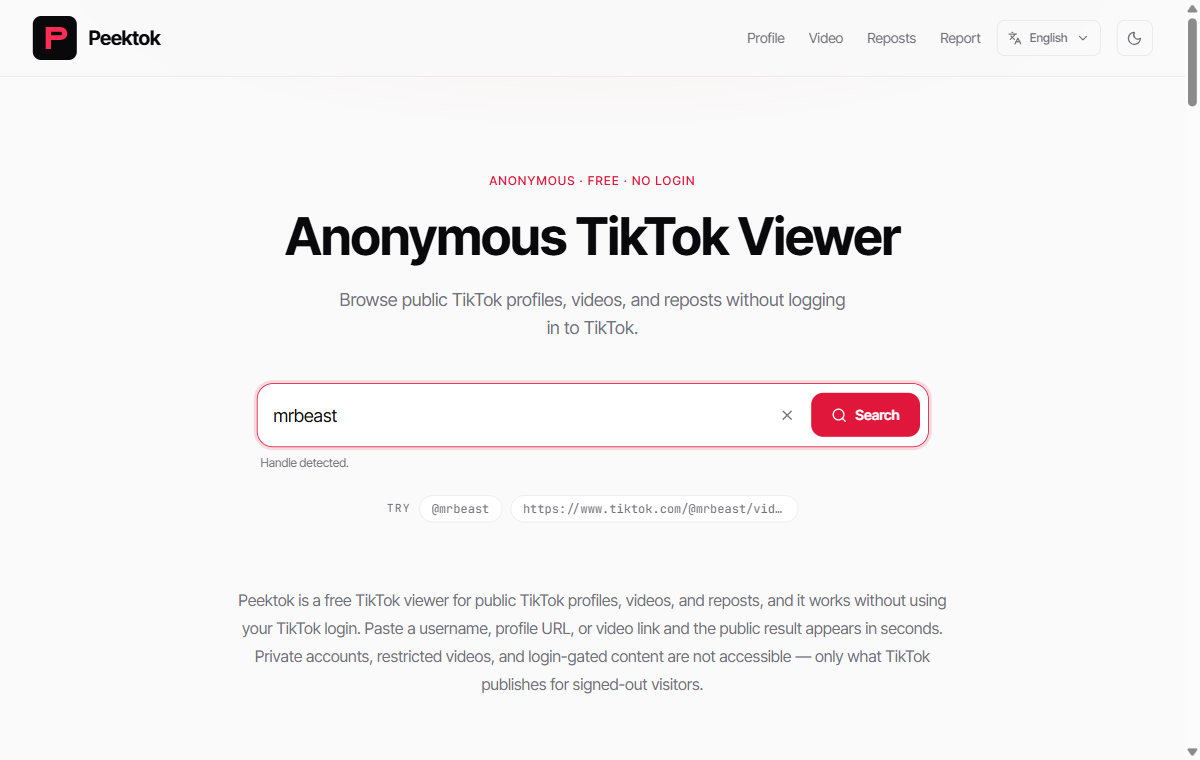
Browse public TikTok profiles, videos, and reposts without logging in to TikTok.
Ready. Paste a link or type a username.
Public content only. Private accounts, login-gated posts, and hidden lists cannot be retrieved. Peektok never asks for TikTok credentials or stores a copy of the media.
Peektok is a free browser-based tool for viewing supported public TikTok profiles, videos, and reposts without a TikTok account. Enter a username, profile URL, or video link to request the available public result. Availability and response time depend on the source and configured providers; private and login-gated content is not accessible.
Before you search
Use the input that matches the question
A handle, profile URL, and video URL ask for different public information. Start with the most specific identifier you have, then check the returned account or post before relying on it.
- Checking an account
- Enter an exact @handle, such as @mrbeast, or the complete TikTok profile URL. A display name is not a unique identifier: unrelated accounts can share it.
- Opening one known post
- Paste the full video URL, including its video ID. Confirm the author, caption and original link in the result; a profile lookup cannot identify which particular video you meant.
- Starting with a short share link
- Paste a supported TikTok short link. The service tries to resolve its public destination. If resolution fails, open the original link yourself and copy the full profile or video URL instead.
Read the result as a snapshot
- 1.Compare the returned handle and biography with the account you intended to check.
- 2.For a video, compare its author, thumbnail, caption and source link.
- 3.Record your lookup time when comparing counts. Cached fields and public availability may change independently.
A blank or partial response does not prove that an account has no content. A private account, removed post, login gate, regional restriction or temporary provider limit may prevent a result. An unavailable count is not zero.
No TikTok login is needed, but that does not mean no records exist. Your browser history, source media hosts and limited service logs can still record activity. Private accounts, follower lists, messages and drafts are outside the tool’s scope.
How it works
How to Use Peektok in 3 Steps
- 1
Paste a Link
Enter a TikTok username, profile URL, video link, or short link.
- 2
We Request Public Data
We request the currently available public result from configured providers.
- 3
Review the available public result
Check the profile, video, repost, or engagement details and open the original post when you need to verify the source.
Scope and evidence
What Peektok can and cannot do
Scope: public content only
A lookup can show profile fields, recent public posts, and visible counts when TikTok makes them available to signed-out visitors.
Not supported: private or restricted access
Private accounts, login-gated posts, drafts, direct messages, age restrictions, and hidden lists are outside the service.
Inputs tested: handle, profile URL, video URL, and supported short links
The public identifier locates the account or post. The lookup is not attached to your TikTok login, and credentials are never requested.
Reading: a point-in-time snapshot, not a permanent archive
Counts, captions, media links, and availability can change. The lookup date and the original TikTok page are the references that matter.
Privacy boundary: no TikTok login is not network anonymity
Peektok, the source host, and your network provider may still receive ordinary technical request data.
Failure state: blank or partial is not proof
A missing result can reflect privacy settings, deletion, region limits, rate limits, or an upstream outage. It is never presented as proof.
Who uses this
Who Should Use Peektok?
Checking a creator before working with them
See follower count, recent video engagement, and posting frequency without needing a TikTok account or following them first.
Viewing a profile without using your TikTok account
Peektok does not use your TikTok login for the lookup. This keeps the lookup separate from your TikTok username; it is distinct from network-level privacy.
Checking a link someone shared
Paste a public profile or video link to review the available details and open the original post to verify it.
Research and journalism
Review available counts, thumbnails, and public post descriptions without signing in to TikTok. Peektok does not generate audio transcripts.
Comparing competitor accounts
Look up several TikTok accounts in a row and compare follower counts, engagement rates, and recent post frequency.
Working without the TikTok app
Use a modern browser on desktop or mobile. No app install, account, or TikTok login required.
Privacy and safety
Is Peektok Safe and Legal to Use?
Peektok only reads data TikTok already shows to visitors who aren't logged in — nothing here bypasses a login wall or exposes private data. Viewing public content this way is broadly similar to opening TikTok's own website in a logged-out browser, but this is not legal advice: reusing someone else's content can still carry copyright and terms-of-use obligations, especially for commercial use.
Privacy and access-limit copy checked against the implementation on September 30, 2026; not a live availability test.
No TikTok login
We never ask for your TikTok password or login. Peektok only reads publicly available data — it cannot post, follow, like, or change anything on your behalf.
Minimized query telemetry
Peektok records a one-way input hash, input type, country code when available, cache status, and timestamp. The submitted handle or URL is processed to perform the lookup but is not written to the query-events table; configured providers apply their own policies.
Public data only
Private accounts, login-gated content, and restricted videos cannot be retrieved. Full stop.
Source playback
Available playback links open the source host in your browser. Peektok does not permanently host the video file.
No lookup-history profiles
Peektok does not build user profiles from lookup history or sell query data. Optional site analytics loads only after you allow it.
HTTPS on every request
All traffic between your browser and this site is encrypted. The same applies to API calls.
How we verify the service
Clear methods, public limits, no private-access claims
Peektok is tested as a signed-out public lookup tool. We document what each input can return, where the data comes from, and the cases in which a result may be partial or unavailable.
Real input checks
We test handles, full profile URLs, video URLs, and supported short links against the production workflow.
Visible failure states
Private, removed, restricted, rate-limited, and expired results are treated as limits to explain — not promises to bypass.
Manual content review
Guides are reviewed by the site editor, dated, corrected when behavior changes, and written for users rather than search volume.
Related tools
Other things you can do here
TikTok Profile Viewer
Look up any public profile: avatar, bio, followers, likes, recent videos.
TikTok Repost Viewer
View public reposts from a TikTok profile without using a TikTok login.
TikTok Video Viewer
Watch and inspect a single TikTok video without opening the app.
TikTok Link Cleaner
Clean a TikTok handle, full profile URL, or full video URL in your browser. Remove query parameters and copy the result without a lookup.
FAQ
Frequently Asked Questions About Peektok
Will the account owner know I visited?
Peektok does not use your TikTok login, so the lookup is not associated with your TikTok username. It only supports public content that is available without a TikTok login.
Can I view private accounts?
No. Only profiles and videos TikTok makes publicly accessible can be viewed. Private accounts return no data.
Is it free?
Yes. There are no paid tiers, no sign-up, and no hidden costs.
Why might a public result disappear later?
Public visibility is controlled by TikTok, the publisher, privacy settings, regional restrictions, and temporary service limits. If content is no longer public, Peektok cannot request or restore it.
What link formats does it accept?
TikTok usernames with or without @, profile URLs, full video URLs, and vm.tiktok.com or vt.tiktok.com short links.
Does it work on a phone?
Yes. Any modern mobile browser works. No app install needed.
Is there a usage limit?
Searches are rate-limited by IP to prevent abuse. If you see a rate-limit error, wait a few minutes and try again.
Do you store my searches?
Peektok writes a one-way input hash and limited operational fields to query telemetry, not the submitted handle or URL. The value is still processed to perform the lookup, and configured providers apply their own policies.
Does TikTok see my identity even without a login?
Peektok does not send a TikTok login identity with the lookup. Ordinary web and media requests can still include technical data such as an IP address, which is a separate privacy layer.
Do I need a VPN to browse anonymously?
A VPN is not required to keep the lookup separate from your TikTok username, because Peektok does not use your TikTok login. A VPN addresses network-level IP exposure and has its own trust tradeoffs.